4.2. Ocean Explorer
Create or sign in to your Scratch Online account then remix the Ocean Explorer template into your own account the first time. After that you can go straight to your Scratch Online account and use it from there.
Hint
Scratch Online (link for creating an account first)
Ocean Explorer template (link for remixing the first time)
Scratch Online (link for signing in and continuing with your project from the folder icon)
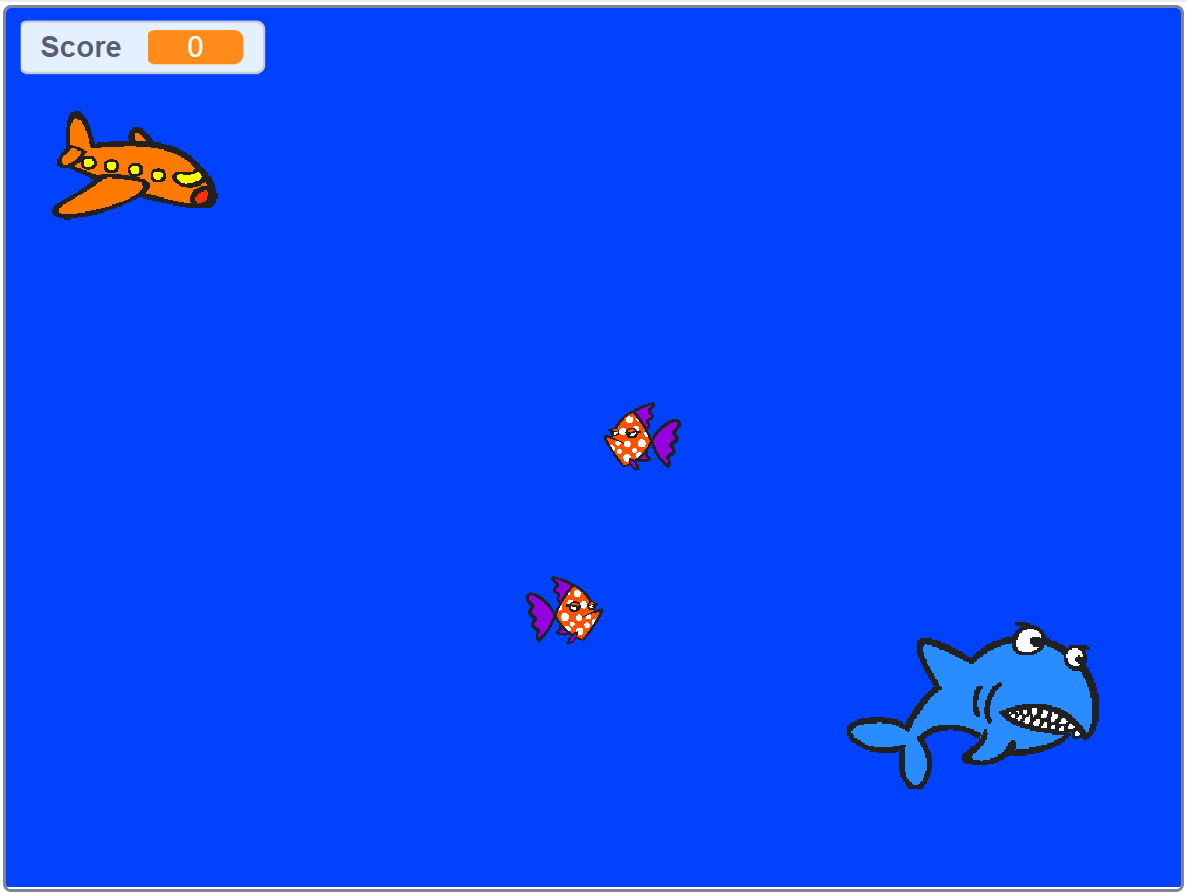
The game template
4.2.1. Duplicating characters
One of the simplest ways of starting is duplicating existing sprites. They have the code already set up so you right click on them in the sprite panel and duplicate.
For the fish the glide coordinates will be the same so they will move to be on top of each other. You need to edit the glide coordinates in the code to get them to move a different path. The score will increment automatically. Unless you want a bonus point sprite in which case you will edit that to look different and change the points value.
4.2.2. Editing the characters
When you select a sprite, you can switch between ‘code’ and ‘costume’ tabs towards the top left. If you delete the sprite or add your own you will lose the code associated with it so you might be better editing the costume of the existing sprites. You can tweak them or complete change them and it saves you the headache of re-writing all the required code.